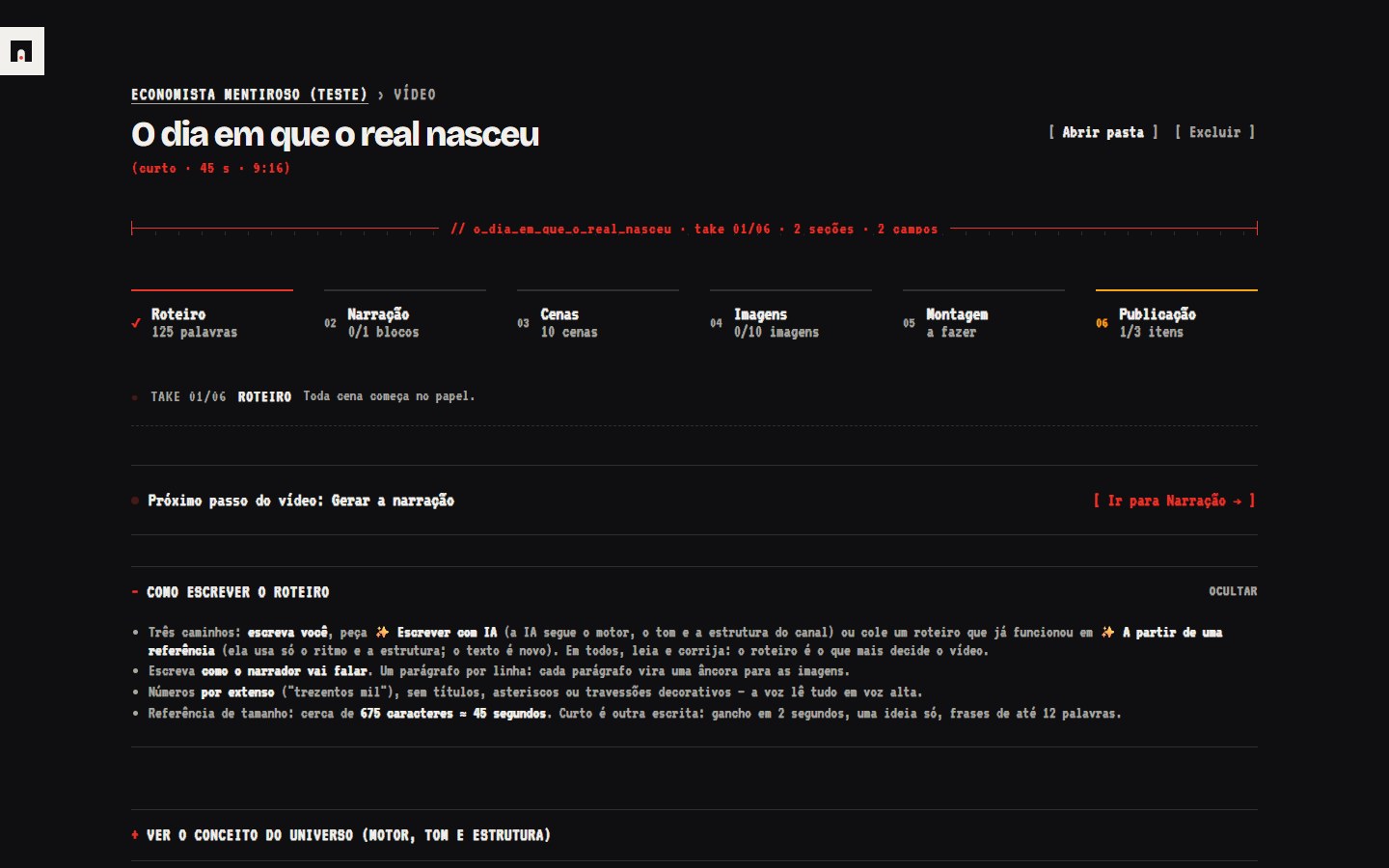
TAKE 01/06SCRIPT
Write it, paste it, or ask the AI.
The AI follows the engine, tone and structure you set for the channel. A checker flags numbers, symbols and clichés the narrator would read wrong.
Arqo takes a faceless video from script to publish in six guided steps. You approve every cent before it is spent.
One chat for the script, one site for the voice, another for images, an editor, a cost spreadsheet. None of them remembers what your channel looks like.
The order is the navigation. Each step lists what is missing and highlights the one button you need next.
The AI follows the engine, tone and structure you set for the channel. A checker flags numbers, symbols and clichés the narrator would read wrong.
Narration in blocks, with pitch control. The check compares timbre and volume across blocks and re-records only what came out different.
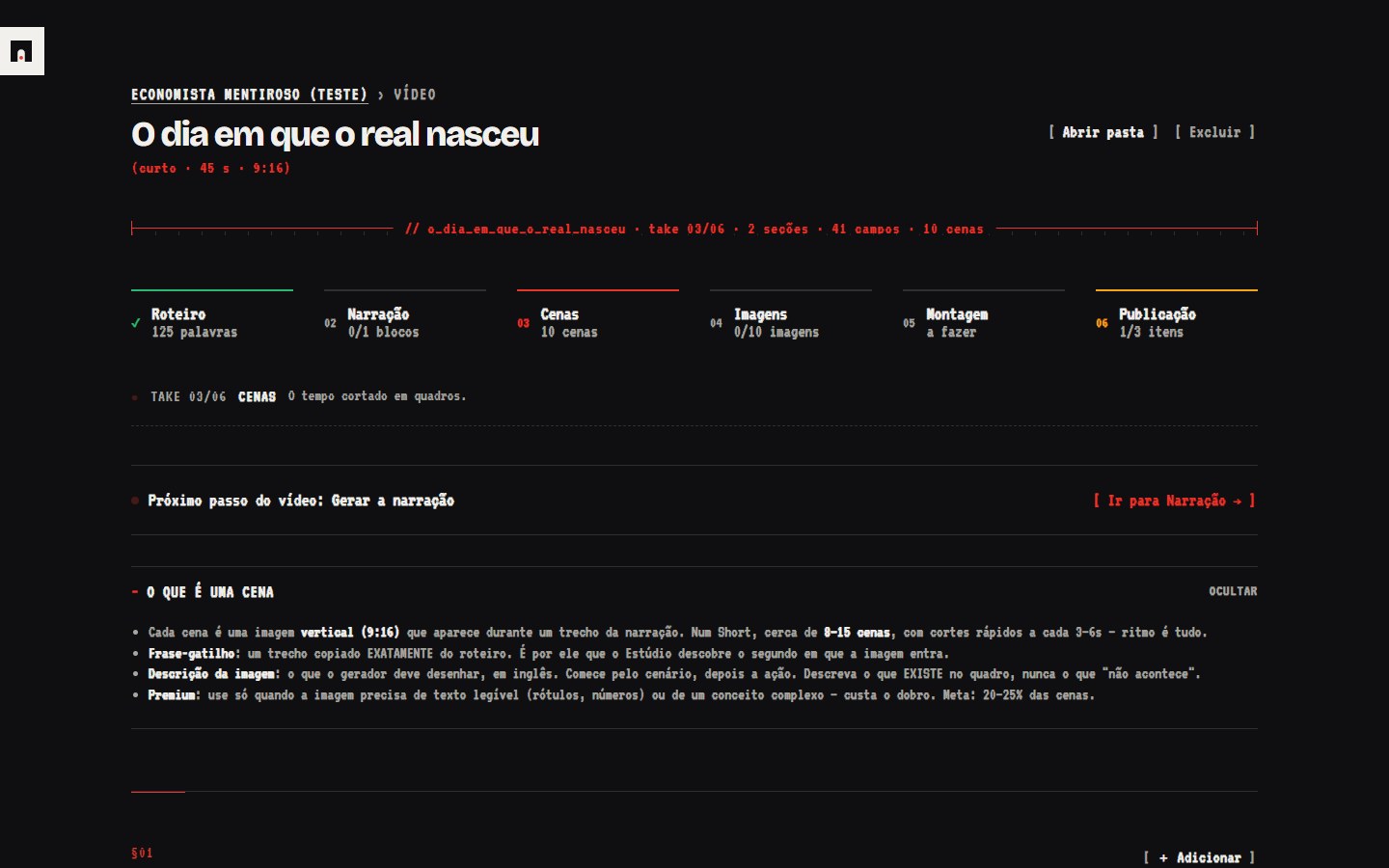
Each scene is tied to a sentence of the script. Arqo computes the exact second from the narration and warns about gaps with no image.
Guided review image by image, with your channel's checklist. Reject one and the fix goes into the prompt; only the pending ones are regenerated.
Narration and images on the right second, with camera motion, in 16:9 or 9:16. Runs locally and costs nothing.
Title options, thumbnails with the text chosen before generating, a description in the channel's tone. After publishing, you log the metrics in the same place.
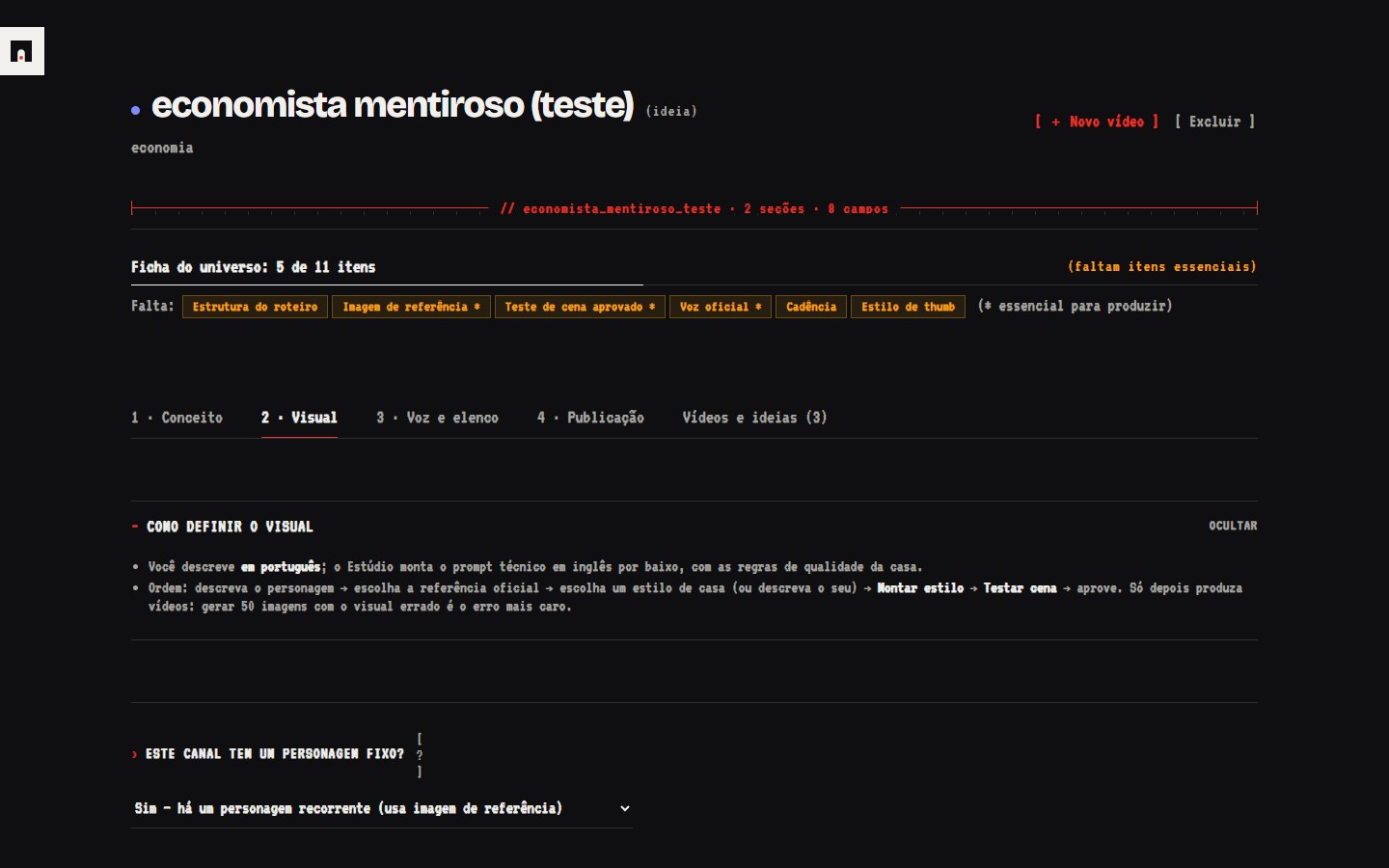
In Arqo a channel is a universe: concept, look, voice and publishing. You describe it in plain language and the studio builds the technical prompt underneath.
Arqo uses your own Google Gemini key. There is no credit pack and no markup on each image.
| About 50 images, 80% on the standard model | ~$1.20 batch · ~$2.30 instant |
| 10 to 15 minutes of narration | ~$0.20–0.30 |
| Script, scenes and publishing by AI | ~$0.10 |
| Draft edit | free, local |
// figures from our own Google billing, converted from BRL. Your cost depends on the model, the scene count and how many images you redo. The app shows the estimate before each generation.
Channels we run ourselves with Arqo.
No. You install two free tools following the guide, double-click, and Arqo opens in your browser. Everything is buttons and fields.
No. Arqo runs on your PC and only listens on the local address. The only thing that leaves your computer is what you send to Google Gemini to generate, with your key. Your files sit in ordinary folders.
No. Every paid generation opens a confirmation with the estimated cost. Google's prepaid billing is your ceiling.
Both. A channel can be long-form in 16:9 or Shorts in 9:16, and a single video can be marked as a short. Images, edit and cover come out in the right ratio.
No. It hands you the assembled draft, title, thumbnail, description and tags. You upload, and you log the metrics back in Arqo.
Windows 10 and 11 only, today.
No. Arqo is the production tool and method. A channel's results depend on topic, consistency and the platform.